
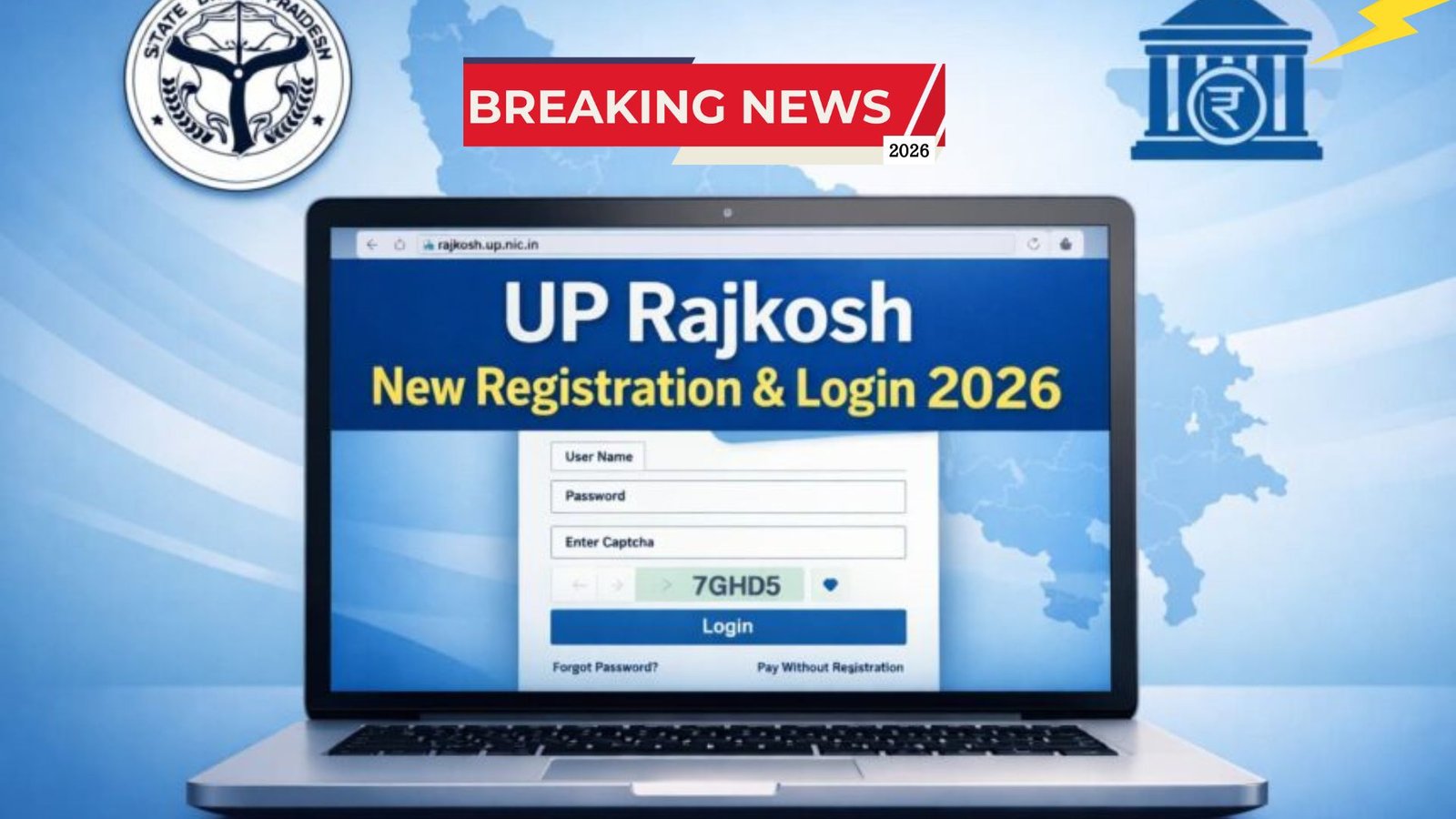
The UP Rajkosh portal serves as an important online platform for handling government payments in Uttar Pradesh. Managed by the Finance Department, it forms part of the Integrated Financial Management System. Users can make electronic payments, fill challans, and verify transactions through this site.
Individuals and entities use the portal at https://rajkosh.up.nic.in/ for various financial tasks related to state government receipts. It supports online challan payments and provides options for both registered and guest users. The system aims to make payments easier and more accessible compared to traditional methods.
Many people need to pay taxes, fees, or other dues to the Uttar Pradesh government. This portal allows them to do so digitally. Registered users get additional features like viewing past records.
Understanding the UP Rajkosh Portal
UP Rajkosh operates as the official treasury and e-payment gateway for Uttar Pradesh. It enables electronic deposits for various government departments. Citizens can complete transactions from home using internet banking.
The portal accepts payments through linked bank accounts. It generates instant receipts after successful transactions. This setup ensures quick confirmation of payments.
Users often visit the site to pay challans for different services. The platform supports payments on behalf of individuals, companies, or organizations. It provides a straightforward way to handle state-related financial obligations.
The system integrates with multiple banks for smooth transfers. This makes it convenient for users across the state.
Steps for New Registration on the Portal
Creating an account on UP Rajkosh starts with visiting the official website. Go to https://rajkosh.up.nic.in/ to begin the process.
Look for the “New Registration” option on the homepage. This link usually appears in the main menu or prominent sections. Clicking it opens the registration form for new users.
Fill in the required information carefully. Common fields include full name, mobile number, email address, and residential details. Some cases may ask for PAN or TIN numbers if applicable.
Provide accurate contact information. This helps in receiving confirmations and credentials. After entering all details, review them before proceeding.
Click the submit or save button to complete the form. The system processes the request and generates login credentials. Users often receive a user ID and password through email or SMS.
Keep these details secure for future access. Activation might require checking messages or inbox for links.
The registration allows better management of payments and records.
| Step | Action | Details |
|---|---|---|
| 1 | Visit Website | Open https://rajkosh.up.nic.in/ |
| 2 | Find Link | Click “New Registration” on homepage |
| 3 | Fill Form | Enter name, mobile, email, address, PAN/TIN if needed |
| 4 | Submit | Click Save/Submit button |
| 5 | Receive Credentials | Check email/SMS for user ID and password |
How to Login After Successful Registration
Once registered, logging in to UP Rajkosh becomes simple. Head to the dedicated login page at https://rajkosh.up.nic.in/User/Login.aspx.
Enter the username provided during registration. Type the password carefully. The page also requires filling a captcha code for security.
Captcha codes are case-sensitive, so match the display exactly. After filling all fields, click the login button.
Successful login opens the user dashboard. From here, users can make challan payments using their account. They can also view previous transactions and track statuses.
Print receipts or generate new challans as needed. The registered account keeps a history of all activities.
This feature helps in maintaining personal records of government payments.
Regular users benefit from quick access to these tools.
Option to Pay Without Registration
Not everyone needs a full account on the portal. UP Rajkosh offers a guest payment facility for one-time users.
Look for the “Pay Without Registration” option on the main homepage. This allows direct challan filling without creating credentials.
Users enter required details in the form. Complete the payment through available banking options. The process generates a receipt immediately.
However, guest mode limits access to history or saved information. It suits quick, single transactions.
Many choose this for occasional payments to avoid registration steps.
This flexibility makes the portal user-friendly for all.
Recovering Forgotten Password or Username
Forgetting login details happens sometimes. The portal provides recovery options on the login page.
Click the “Forgot Password” or similar link. Provide the registered email or mobile number.
The system sends a reset link or instructions. Follow them to create a new password.
Username recovery might follow a similar process. Use associated contact details for verification.
Reset links usually have time limits for security. Act quickly upon receiving them.
These steps help regain access without much delay.
Always update details if contacts change.
Key Notes and Tips for Smooth Usage
Enter mobile and email correctly during setup. This ensures smooth delivery of OTPs and alerts.
Pay attention to captcha entries as they are case-sensitive. Double-check before submitting.
After registration, confirm activation through messages. Incomplete setups can block login.
Use only the official website to avoid issues. Registered users enjoy full features like transaction tracking.
The portal supports various payment needs efficiently.
Conclusion
UP Rajkosh provides an online platform for Uttar Pradesh government payments, including registration and login options updated for user convenience in 2026.
This system matters as it simplifies electronic challan payments and transaction management through the official portal.
Users should follow the outlined steps for new registration or use guest options, ensuring accurate details for seamless access going forward.